


Written by Marc Demar
Somnium Space, the open and persistent VR world that is built on the blockchain, uses the Unity platform as its game engine. And since the availability of the Somnium Space Unity SDK, users have been able to create and upload their own 3D avatars and items. What’s more, owners of Somnium WORLD NFTs can design entire immersive experiences and place portals to those on parcels in Somnium Space.


A Somnium Space WORLD is a world within a world, like Inception’s dream within a dream. The community is pushing the limits of what’s possible, which has resulted in some unforgettable worlds to see the light of day.
A crucial element in all of this is the ability to use the Bolt plugin, which is a visual scripting solution for adding game logic without writing a line of code.


With Bolt you can bring your WORLD to life; you can implement entire games and interactive experiences for people to enjoy. The possibilities are endless. In theory it is possible to go even further down the rabbit hole. Inception didn’t stop with one dream within a dream either.
Imagine getting lost in endless interconnected, immersive dream worlds. One more elaborate and magical than the other. If there is any childlike sense of wonder left in us, which there should be if you ask me, you can’t help to get excited by the very idea.


Use Cases
The extensibility that the Somnium Space Unity SDK with Bolt brings to Somnium Space is a game changer. And it is not limited to the gaming domain obviously. Somnium WORLDs can be used for games, sure, but more than anything else they represent a mechanism for custom immersive experiences of any kind.
Virtual showrooms and museums, architecture design showcases, concert venues, massive multi-player worlds; if you can imagine it, you can create it.
How to get started
It may seem a bit overwhelming, but it is surprisingly easy to create a simple WORLD. The key prerequisites are:
- You need a Somnium WORLD NFT. If you do not have one you may want to check the Somnium Space VR marketplace on OpenSea and keep an eye on WORLDs for sale on the secondary market. Also, it is very likely Somnium Space will put more WORLDs on sale during upcoming land offerings.
- You need to install the Somnium Space launcher and create an account. For this, just head over to the Somnium Space website and then download and install the ‘VR client’. Make sure to connect your Metamask (using the same address that holds your WORLD NFT).
- And while you are on the site, go ahead and download the Unity SDK documentation as well.
- You need to install Unity and the Somnium Space Unity SDK. This is described in the downloaded documentation.
Note that the documentation is called ‘Somnium Space Avatars Unity SDK’ but you will need to follow the same instructions if you want to create a WORLD. Just follow chapter 1 and 2 and stop at chapter 3 (importing an avatar), unless you want to play around with avatars as well.
Unity Bolt
To get started with Bolt, you need to install the free Unity Bolt plugin from the Unity asset store.

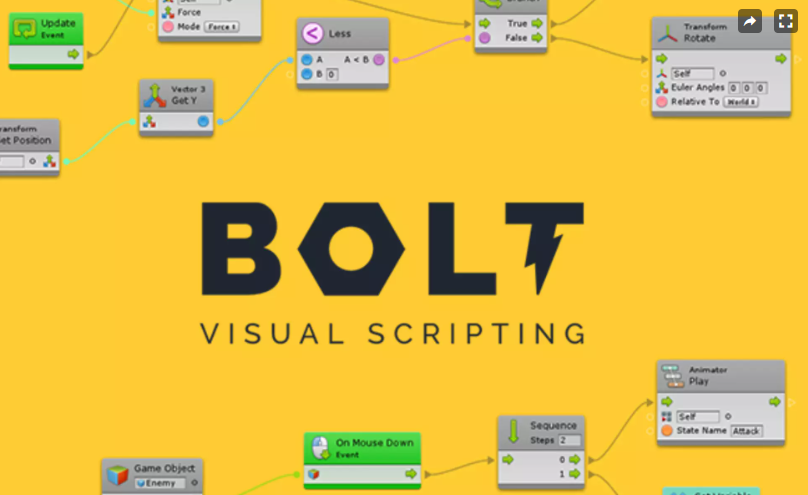
With Bolt installed you can dive into the world of visual scripting. Note that while you’re not literally writing code, some knowledge of programming will come in very handy. You work in a visual environment, but you’re still ‘programming’.


