

Step into the frontier of digital creativity – where your imagination isn’t just welcomed, it’s the foundation of entire worlds. In Somnium Space, you’re not just a visitor to the metaverse – you can be a builder of it. Whether you’re dreaming up avatars with attitude, sculpting next-generation fashion wearables, or designing immersive experiences that defy physics, everything you create becomes a living, explorable part of the open metaverse.
Becoming a creator in Somnium Space is more accessible than you might think. You’ve got two powerful paths to choose from. For those who want to dive right in, the Somnium Builder offers an intuitive, user-friendly interface for designing directly onto your virtual land parcels. Whether you’re envisioning a cozy cabin, a bustling café, a sleek office, or an avant-garde art gallery – you can bring it to life with ease.
But if you’re ready to push the boundaries of creativity, Unity paired with the Somnium Unity SDK is where the real magic happens. With just a few setup steps, you gain access to an advanced toolkit that empowers you to craft rich, interactive experiences – avatars, wearables, full-blown worlds – and upload them straight into a persistent, living metaverse. This isn’t isolated creation; it’s collaborative world-building for a vibrant community of explorers, innovators, and digital dreamers.
In this short guide, we’ll walk you through how to get started – from installing Unity to setting up the SDK. In future articles we will dive more into uploading avatars, wearables, and entire immersive worlds.
Note that this series will be based on Somnium Space’s official tutorial videos and documentation. So if you can’t wait for our articles, feel free to check those out.

Installing Unity
If you’re new to this world of creation, you might be wondering: What exactly is Unity? Unity is one of the most powerful and widely used game engines in the world – a professional-grade development platform used by everyone from indie creators to AAA studios. It allows you to build fully interactive 3D environments, animations, avatars, and game mechanics. In the context of Somnium Space, Unity is your launchpad. With it, you’re not just making static objects; you’re creating fully immersive, interactive experiences that others can explore in real time – in VR or on desktop. Best of all, Unity’s intuitive interface and massive library of tools mean that even beginners can start building fast, while advanced users have nearly limitless creative freedom.
✅ Download Unity Hub from https://unity.com/download

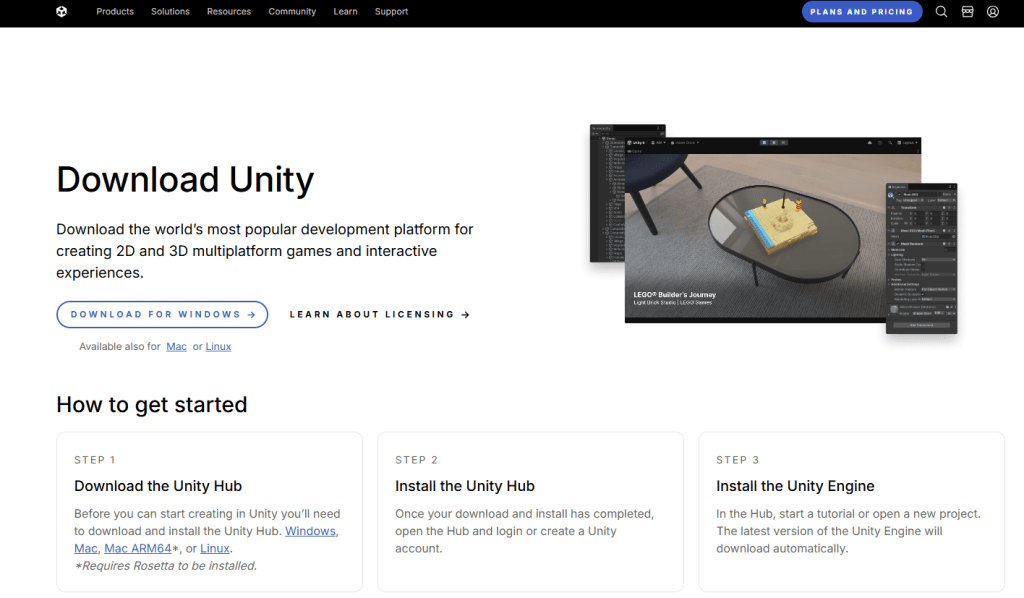
✅ Install Unity Hub. After installation, run it and sign up/sign in.
✅ Head over to Unity Archives at http://unity.com/releases/editor/archive


Note that the following screenshots may show other version numbers than what is explained in the text. Be sure to follow the directions in the text and not what is depicted in the screenshots.
✅ Click 2022 and scroll down to find 2022.3.62f1 (previously 2022.3.30f1).
✅ Install it.

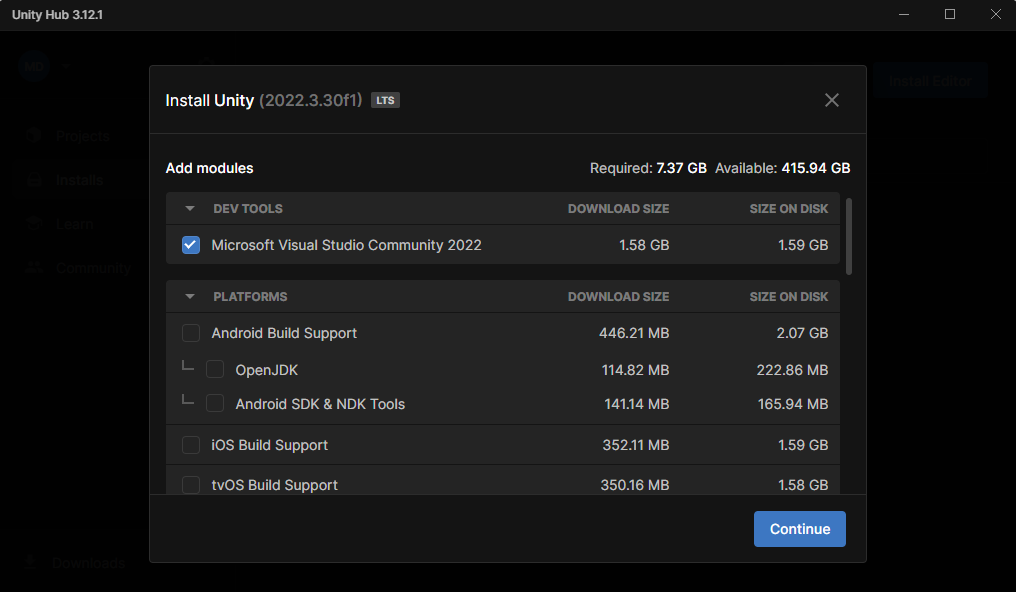


This will take a little while.
✅ After installation, head over to https://somniumspace.com.

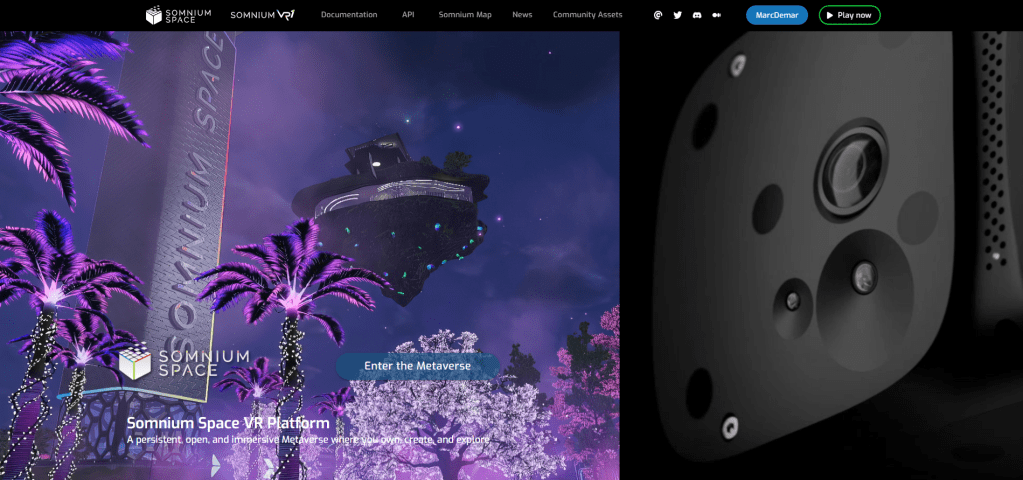
✅ Click Enter the Metaverse and then Download Unity SDK.

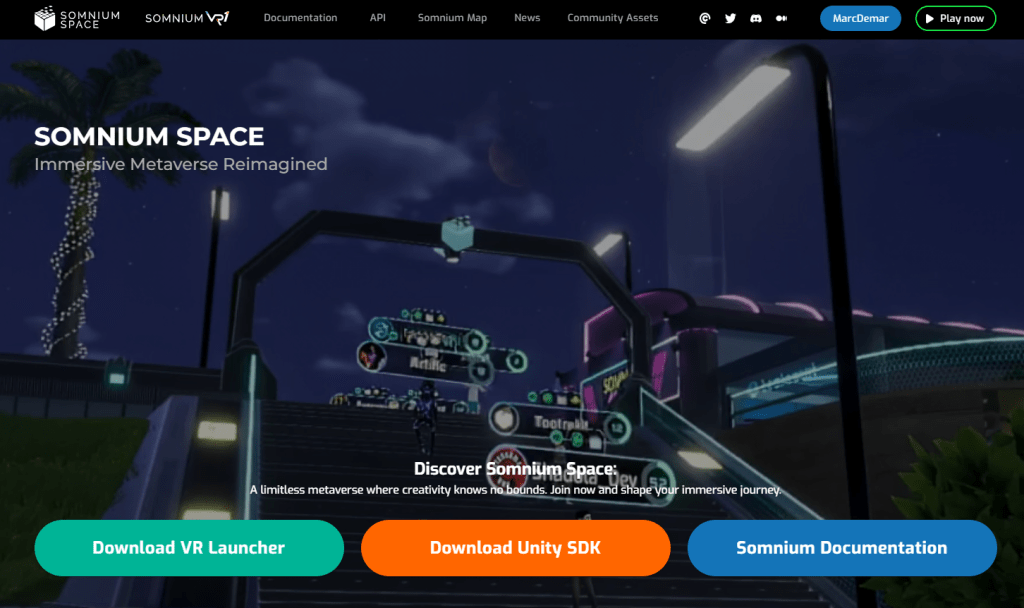
✅ Extract the Zip file to your preferred location.

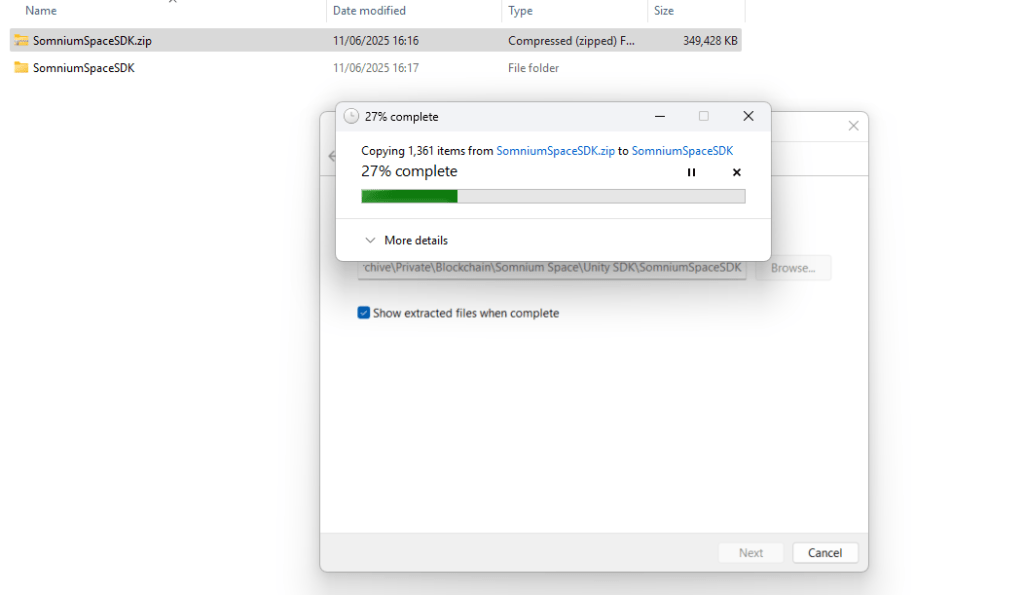
✅ Open Unity Hub and click Add and Add project from Disk.

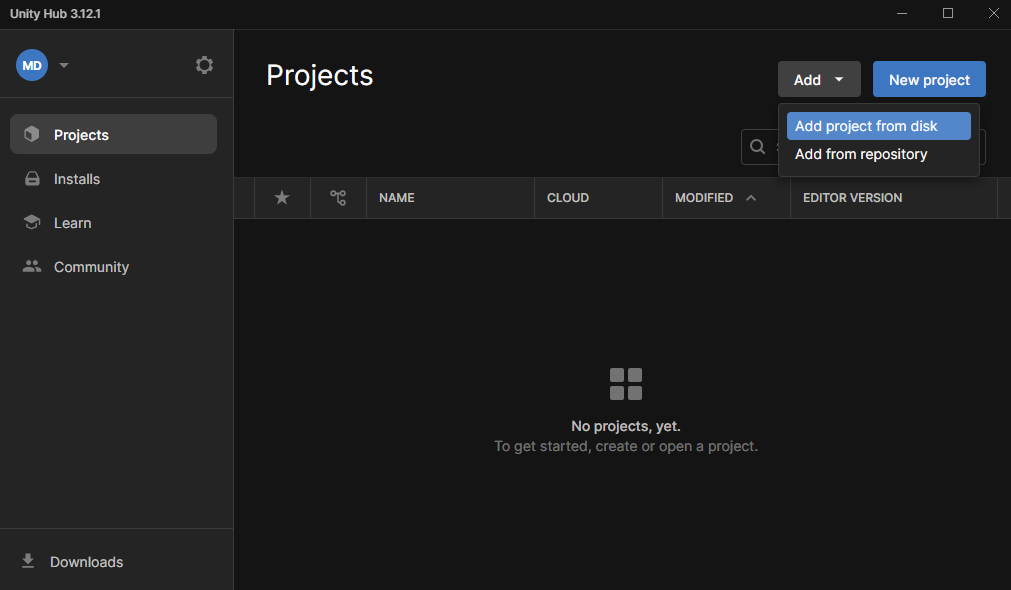
✅ Find the folder in which you extracted the SDK and click Open.

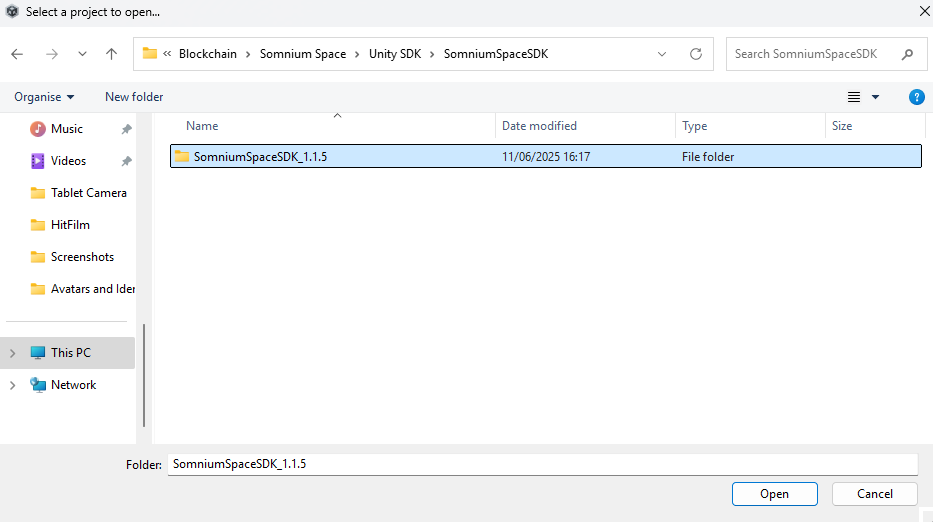
It will appear in the Unity Hub.
✅ Click it to open it.

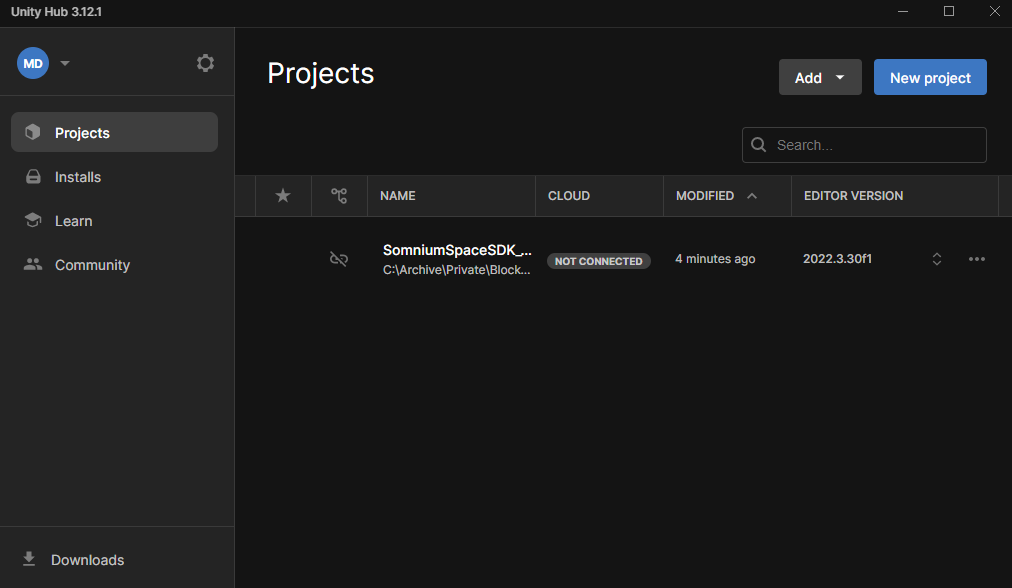

Give it some time to load.
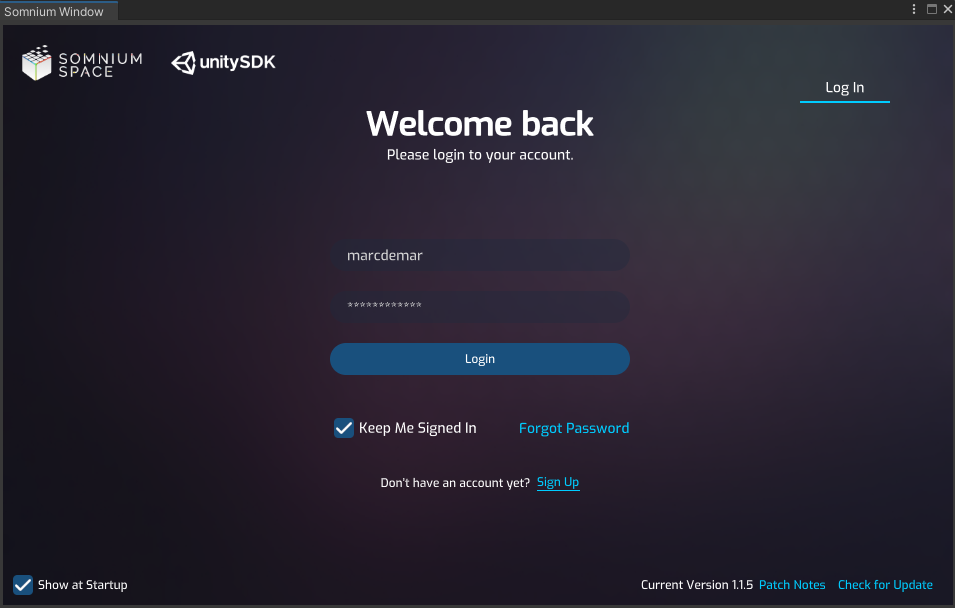
✅ Then log in using your Somnium Space credentials. If you do not have an account yet, you can Sign Up from here.

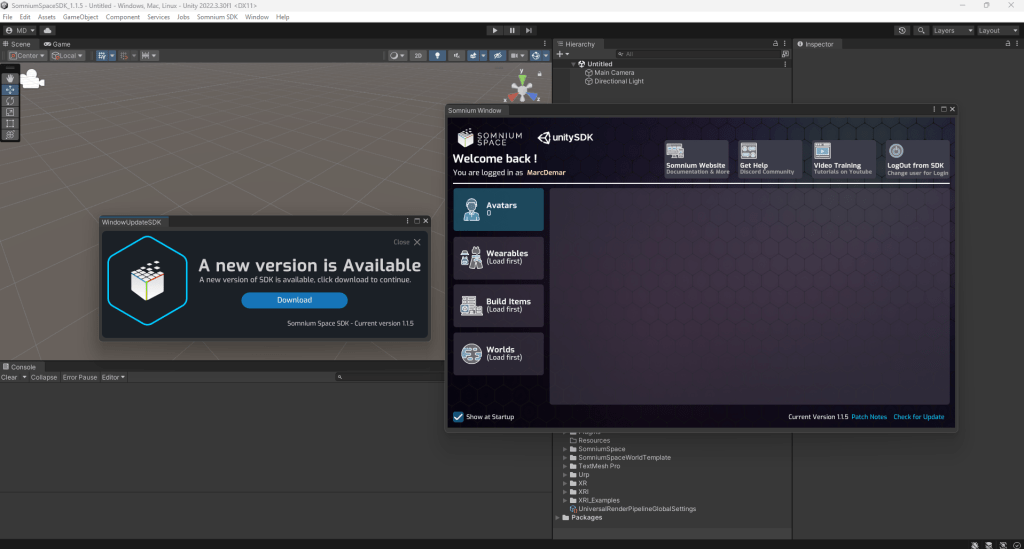
✅ If you are asked to download a new version of the SDK, do so. Click Download, then Install and Import.

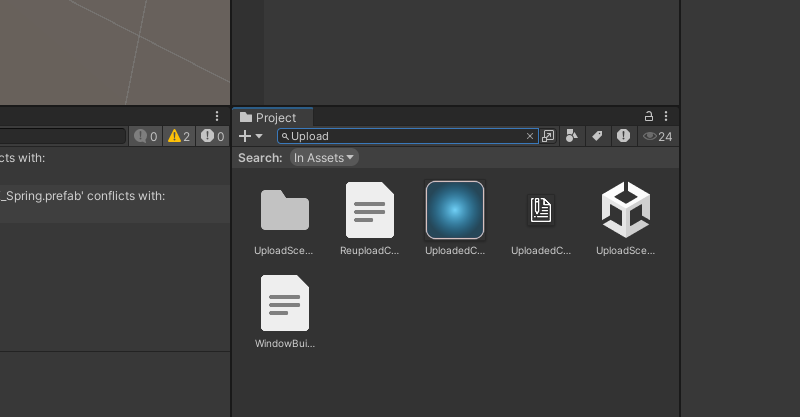
✅ In the Project pane, search for ‘Upload’ and double-click UploadScene to open it.


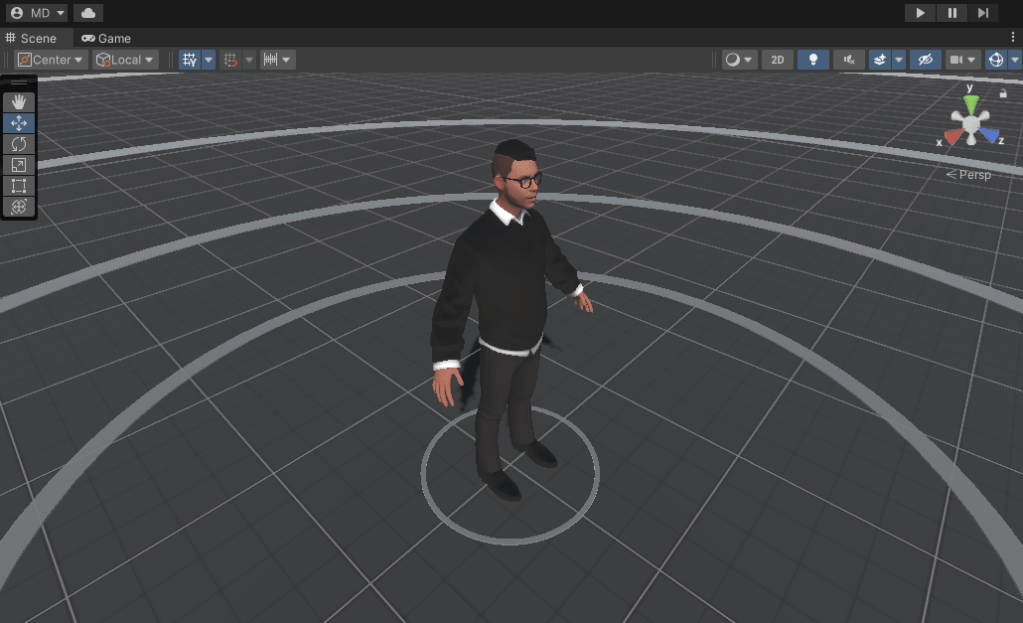
The Scene pane will now show a default avatar.
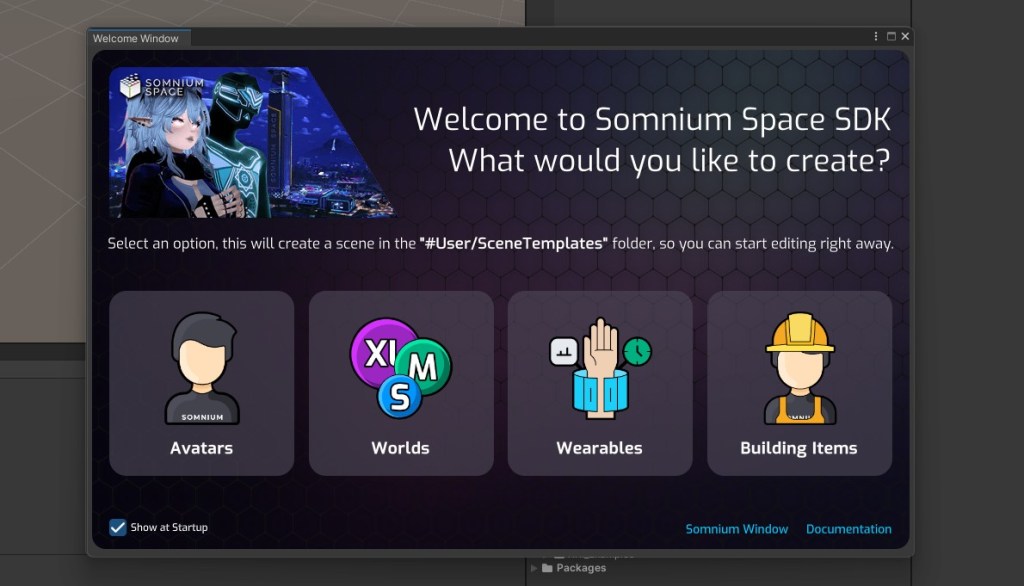
Note that since Somnium Space 3.0.5, the Unity SDK has the following Welcome Window, which make scene creation even easier. Simply click a button and the SDK will prepare everything for you.

Congratulations — you’ve now completed the setup and are ready to begin your creative journey using Unity and the Somnium Space SDK! Whether you’re dreaming of building fully immersive experiences, uploading custom avatars, designing stylish wearables, or scripting interactive environments, you now have the tools in hand to bring your vision to life inside Somnium Space’s open, persistent metaverse.
This is just the beginning. In future installments of this tutorial series, we’ll guide you step-by-step through the process of preparing, testing, and uploading various types of content — from dynamic virtual worlds to expressive digital identities. Along the way, we’ll try to share tips, best practices, and hidden tricks that will help you create more efficiently and effectively.
If you’re eager to dive deeper right away, be sure to explore the official Somnium Space Documentation, where you’ll find detailed explanations. What you want to do as well is join the Somnium community on Discord.
Stay tuned for more – the metaverse is waiting for your imagination.
About Somnium Space
Somnium Space, the company behind the VR1, also runs a blockchain-based virtual reality platform that allows users to create, experience, and monetize content and applications. The platform is committed to building a decentralized and immersive VR world that offers users a unique and engaging experience.
Discord: https://discord.gg/somniumspace
Authencity: https://authencity.io/user/somniumspace
Follow the Somnium Times
Authencity: https://authencity.io/user/SomniumTimes
YouTube: https://www.youtube.com/@SomniumTimes
Instagram: https://www.instagram.com/somniumtimes/