

The latest Somnium Space update has brought a game-changing feature to the platform: the Desktop Non-VR Client (beta version). You can now explore the immersive world of Somnium without owning a VR headset. This long-anticipated addition opens up Somnium Space to an entirely new category of users — from curious newcomers to seasoned creators who prefer the ease and flexibility of desktop access.
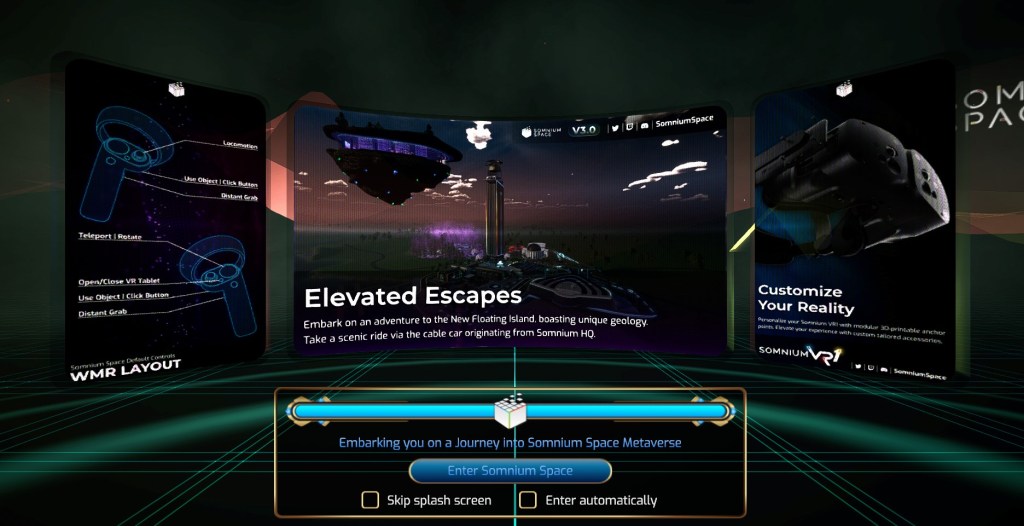
Download the Somnium Launcher from somniumspace.com, install, and select the Desktop (Non-VR) Client. You will then dive into this ever-evolving virtual universe. No specialized hardware required — just your PC, keyboard, and mouse. Whether you’re here to explore, create, socialize, or attend events, this mode provides a full-fledged experience that mirrors much of what the VR version has to offer.
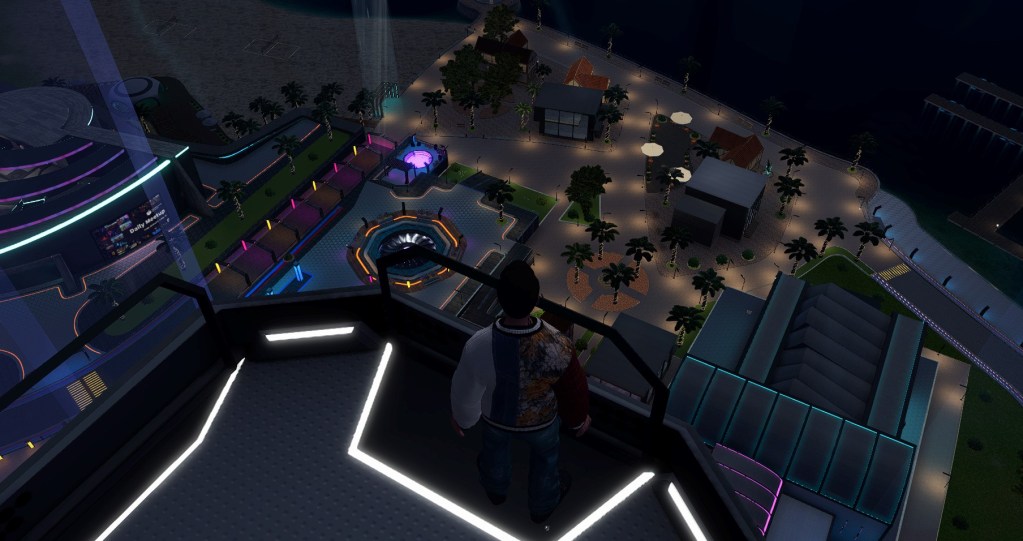
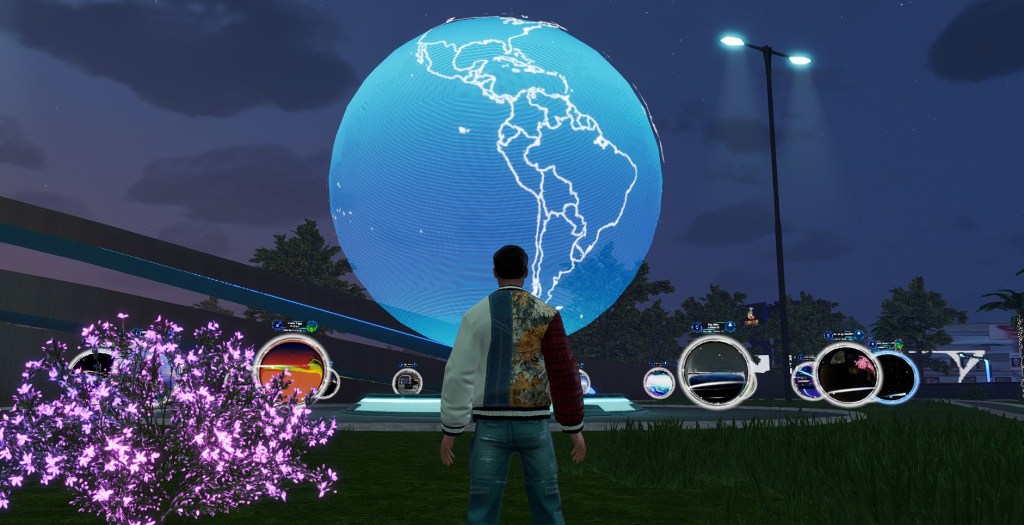
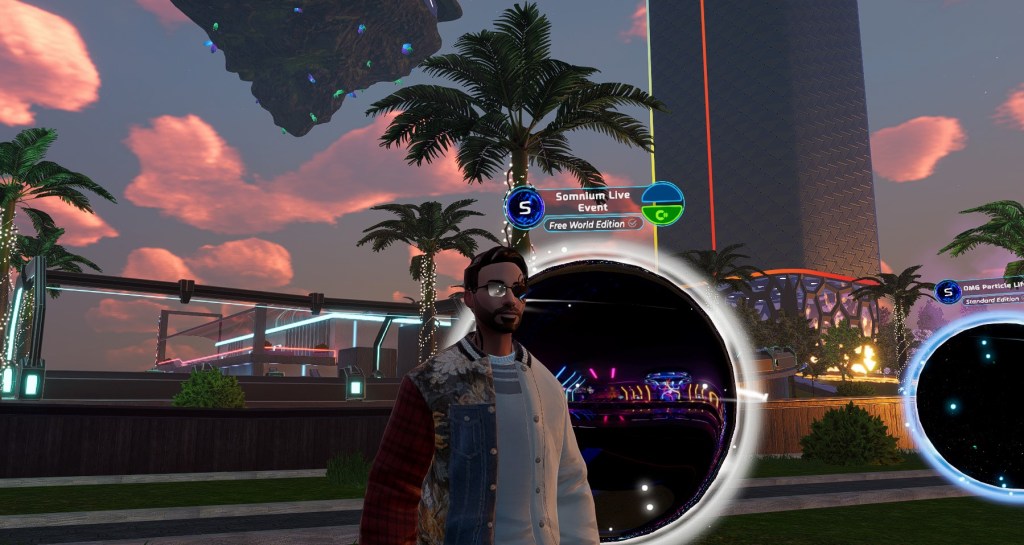
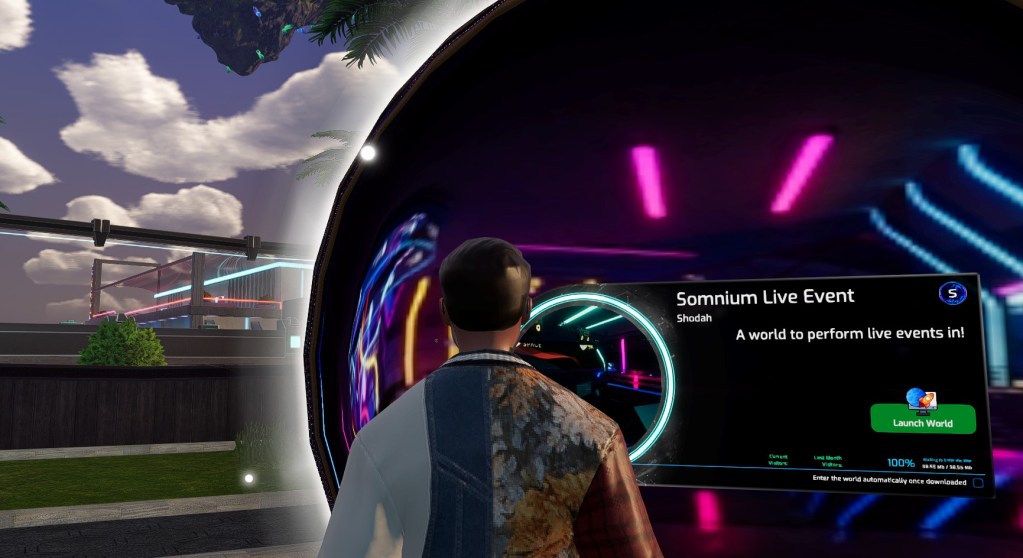
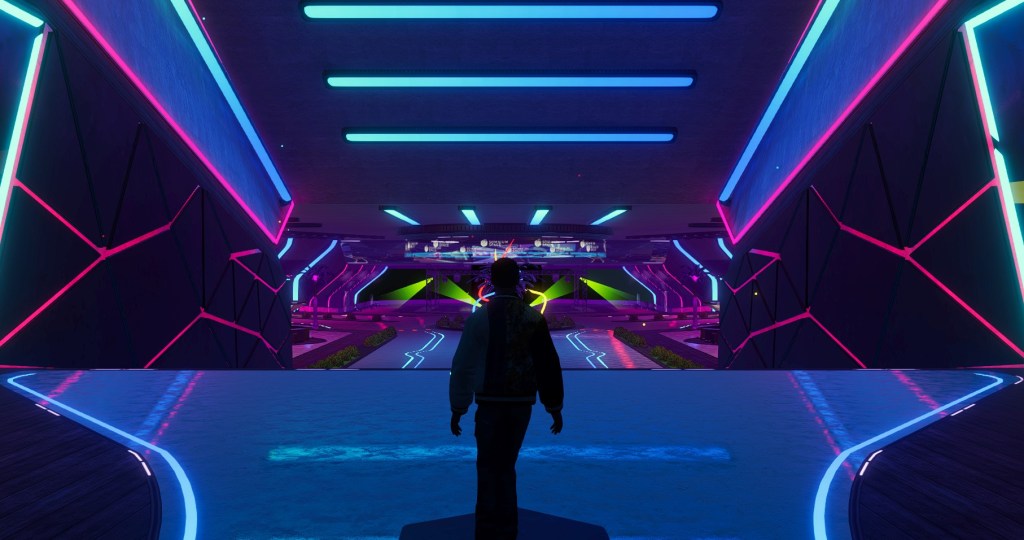
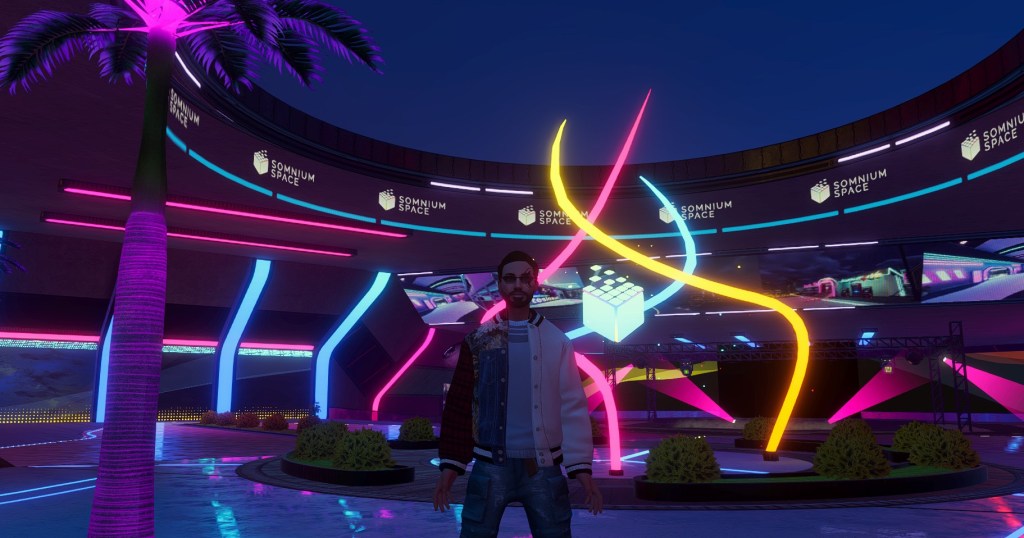
In this visual guide, we’ll walk you through launching the Desktop client, navigating to the City Center, and finding your way to the Somnium Live Event WORLD — a popular location for many of the platform’s most exciting live events, concerts, and social gatherings.
Whether you’re joining friends, exploring the metaverse for the first time, or attending a live jazz concert – Somnium’s Desktop Client makes the experience more accessible than ever.
Navigation
Navigation is really easy. Use your mouse to rotate (either left or right click while moving) and the W, A, D, and S keys to move.
Let’s Go!


About Somnium Space
Somnium Space, the company behind the VR1, also runs a blockchain-based virtual reality platform that allows users to create, experience, and monetize content and applications. The platform is committed to building a decentralized and immersive VR world that offers users a unique and engaging experience.
Discord: https://discord.gg/somniumspace
Authencity: https://authencity.io/user/somniumspace
Follow the Somnium Times
Authencity: https://authencity.io/user/SomniumTimes
YouTube: https://www.youtube.com/@SomniumTimes
Instagram: https://www.instagram.com/somniumtimes/



Leave a Reply