


Written by Marc Demar
Somnium Space WORLDs are NFTs that enable owners to develop complete immersive experiences and place portals to those on NFT land parcels inside Somnium. Anyone visiting the parcel can jump right in.
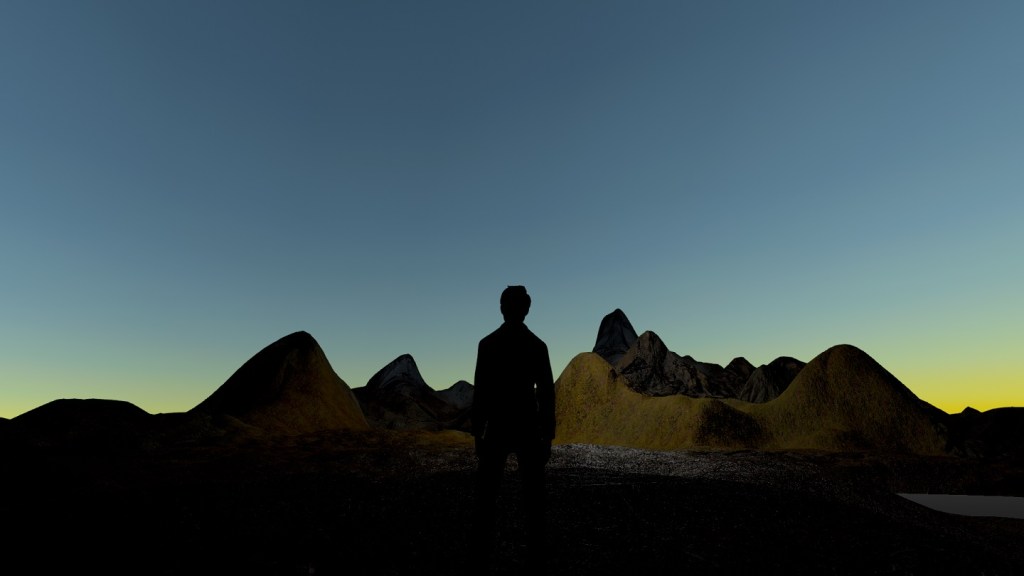
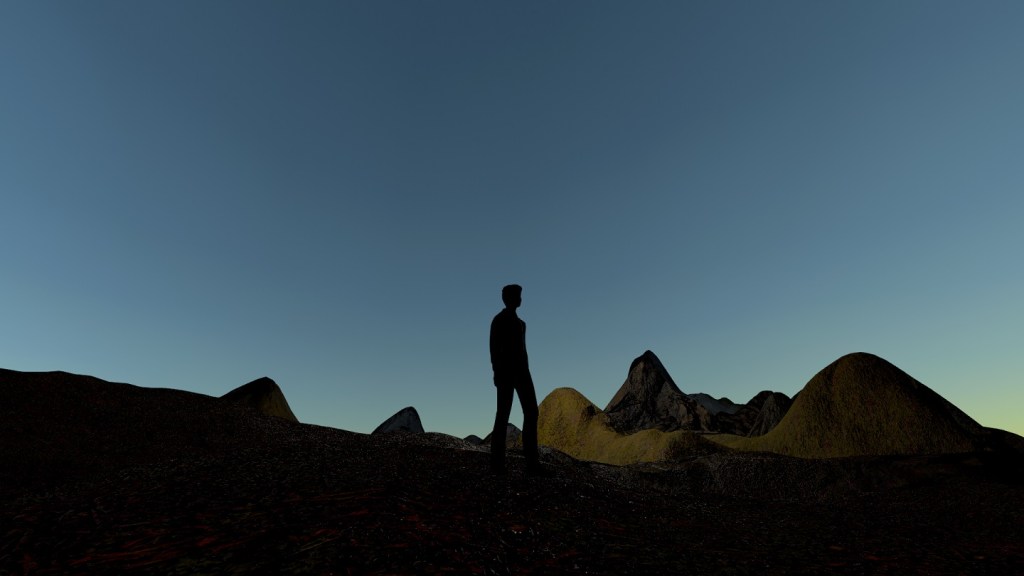
As I own a WORLD – a small founders edition (S FE) allowing a total upload size of 125MB – I decided to see what it takes to create my own VR experience: A nice little landscape with mountains, rocks, snow. Below you see some pictures of the end result (click on the pictures for a large version). For the record, I visited my landscape in 2D, but could have gone full VR as well.


How does it work?
It turned out to be very simple to create, upload and visit my landscape. The key prerequisites are:
- You need a Somnium WORLD NFT. If you do not have one you may want to check the Somnium Space VR marketplace on OpenSea and keep an eye on WORLDs for sale on the secondary market. Also, it is very likely Somnium Space will put more WORLDs on sale during the next land offering.
- You need to install the Somnium Space launcher and create an account. For this, just head over to the Somnium Space website and then download and install the ‘VR client’. Make sure to connect your Metamask (using the same address that holds your WORLD NFT).
- And while you are on the site, go ahead and download the Unity SDK documentation as well.
- You need to install Unity and the Somnium Space Unity SDK. This is described in the downloaded documentation.
Note that the documentation is called ‘Somnium Space Avatars Unity SDK’ but you will need to follow the same instructions if you want to create a WORLD. Just follow chapter 1 and 2 and stop at chapter 3 (importing an avatar), unless you want to play around with avatars as well.

Next, watch the following short tutorial by Oasis Meta Games, which explains the workflow by creating and uploading a very simple world (consisting of a plane and light).
After I successfully created my own plane/light WORLD, I watched the following tutorial on how to use Unity’s Terrain Tools to create something more interesting.
With the help of the Terrain Tools I was able to sculpt a nice little mountain landscape. See below:
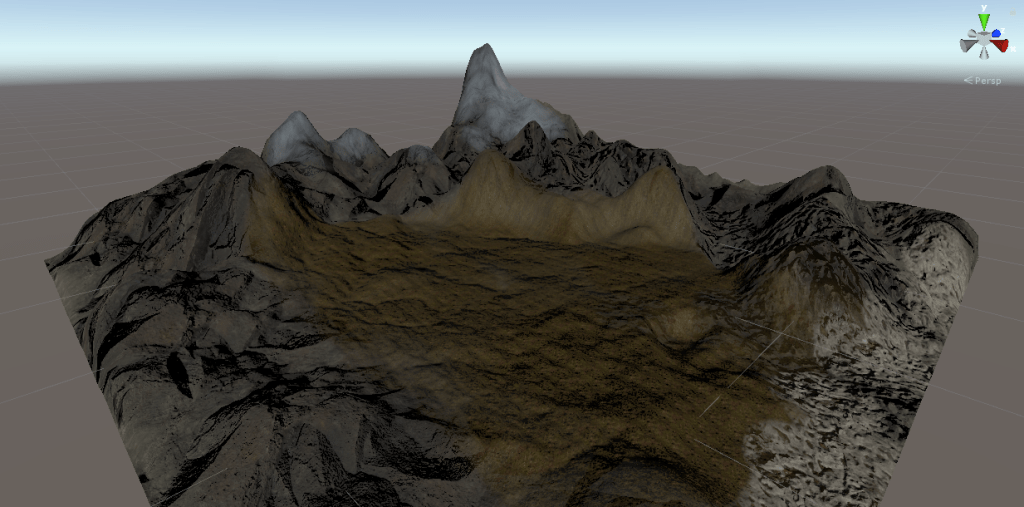
It has various textures including dirt, rocks, sand, moss and snow.
When I was ready with my terrain, I added the World Config script and hit ‘Build & Upload’ (as explained in the first tutorial video). A wizard guided me through the process and a few moments later I could switch to the PC Client to place my WORLD on one of my parcels. How this is done is shown in the first video as well.
All in all, I used under one hour to go from firing up Unity until I could visit my own land in Somnium Space. This is only the beginning obviously, as you can develop entire games and interactive experiences. But discovering how easy it is to achieve some really cool effects has given me a lot of motivation to go for the next deep dive.
We’ll keep you updated here on the site.

Some Cool WORLDs To Visit
Check out the Crazy Nici’s WORLD tour videos on our YouTube channel to discover some of the coolest worlds in Somnium Space:




Leave a Reply